 EOF
File viewer and editor for iPhone, iPhone Duo and iPad
Agents write the code.
You read it anywhere.
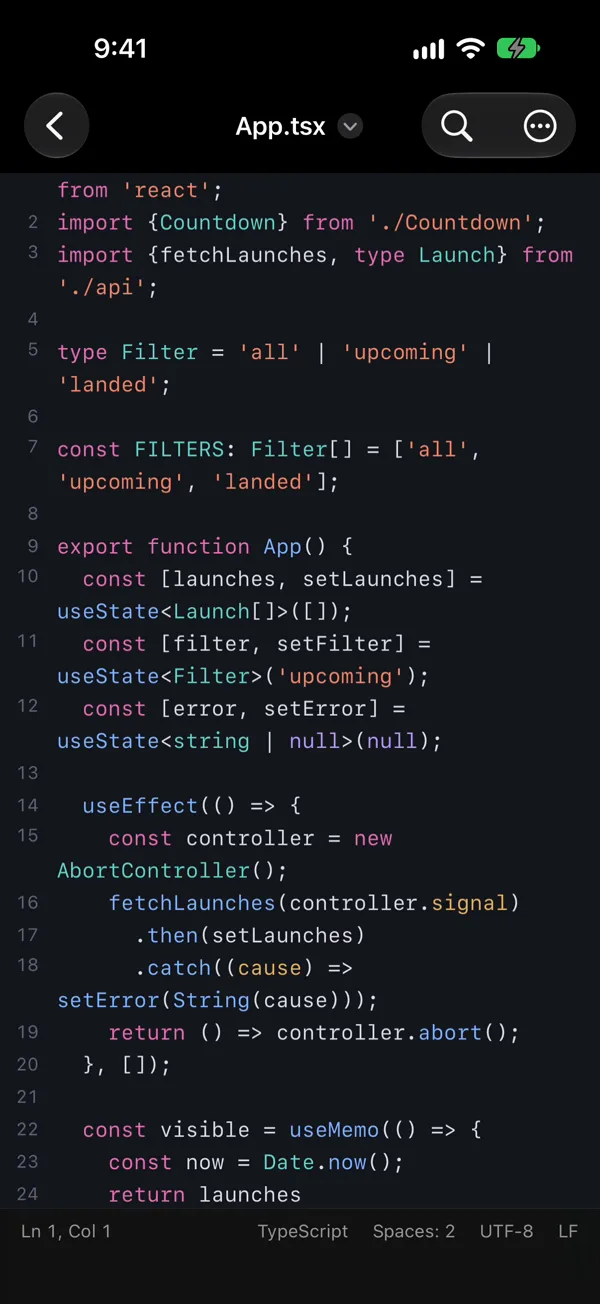
EOF opens the whole project on iPhone, iPhone Duo or iPad: source code, Markdown, PDFs, Office docs and binaries. Browse the tree, compare files and fix a line away from your desk.
Arriving soon on the App Store
iPhone · iPhone Duo · iPad
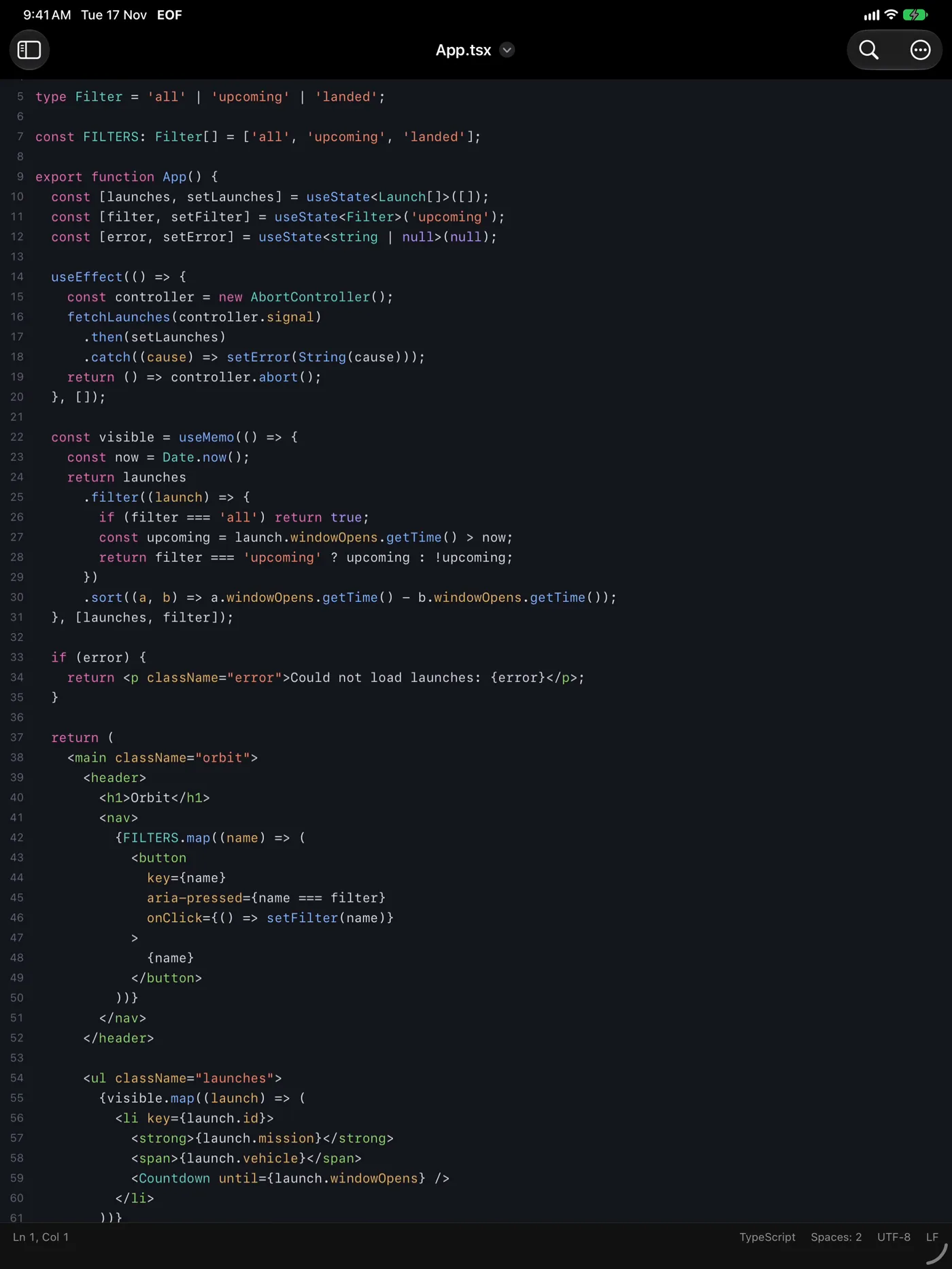
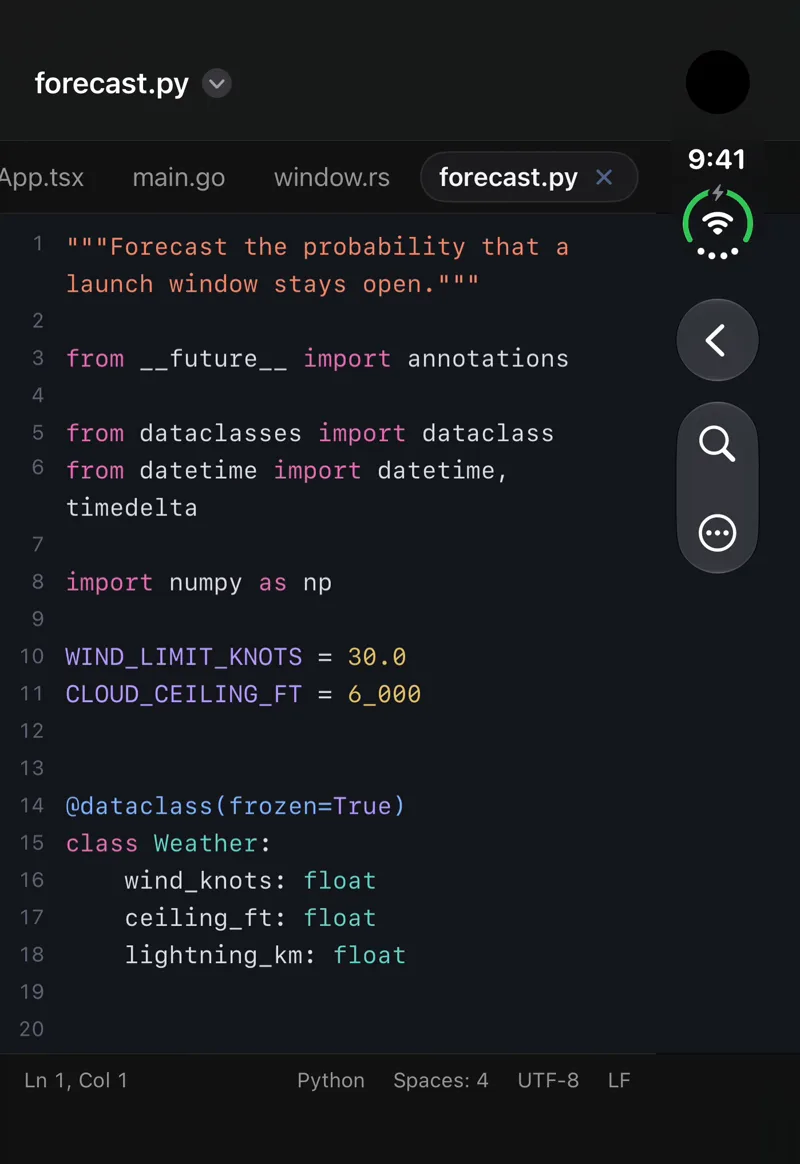
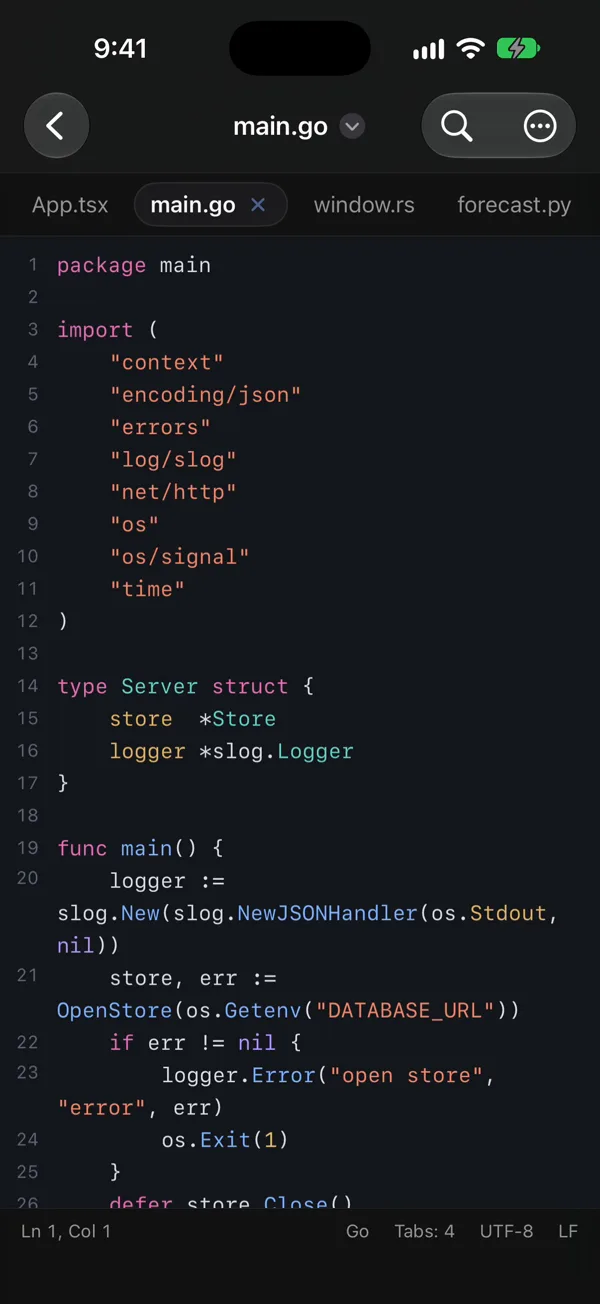
Syntax colour for53source languages
Tree-sitter parsing
#Side-by-side Markdown
PDF, Office and media
Auto-detects19file encodings
.*Regex find and replace
Compare files or tabs
Zip, unzip and inspect
No account, no server
Gathers0user data
8 light and dark themes
 EOF
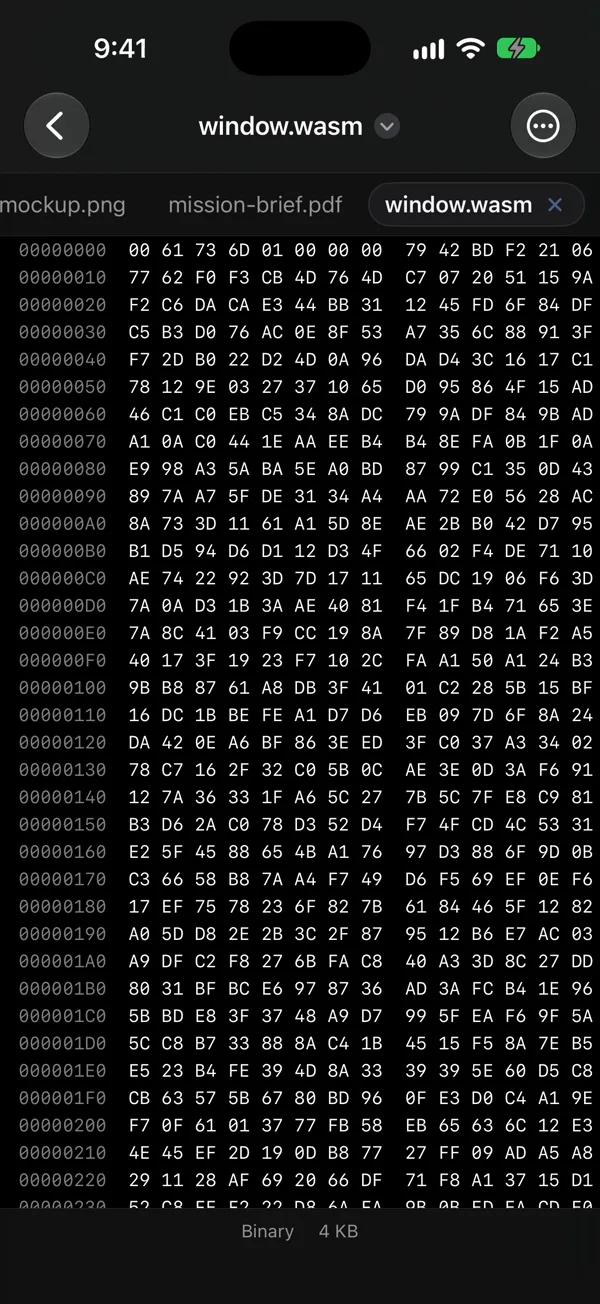
45 4F 46Hex view for binaries
Code and doc outline
{}Sort, Base64, JSON
CRLF → LFConvert CRLF and LF
iPad · iPhone Duo · iPhone
Files stay on device.
File tree, tabs and archives
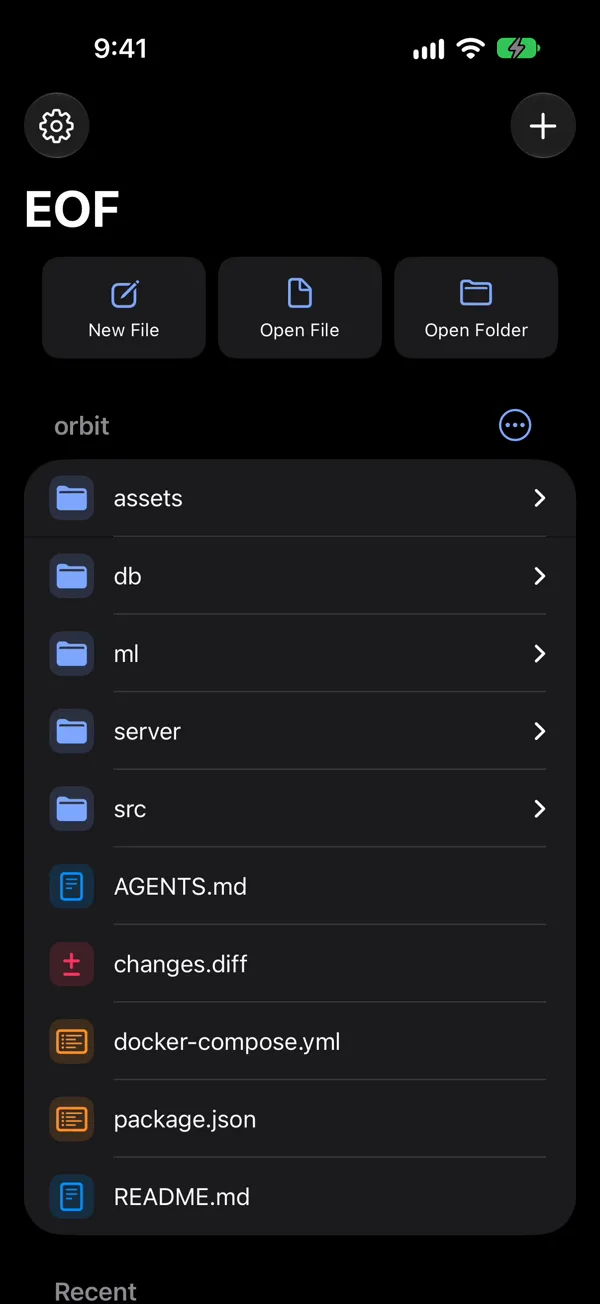
The whole folder, tree and all.
Open a project folder to navigate its file tree and keep documents open in tabs. Move or rename items, zip and unzip folders, or list an archive's contents in place.
More than code.
A project holds docs, media and binaries beside code. EOF gives each its proper view.
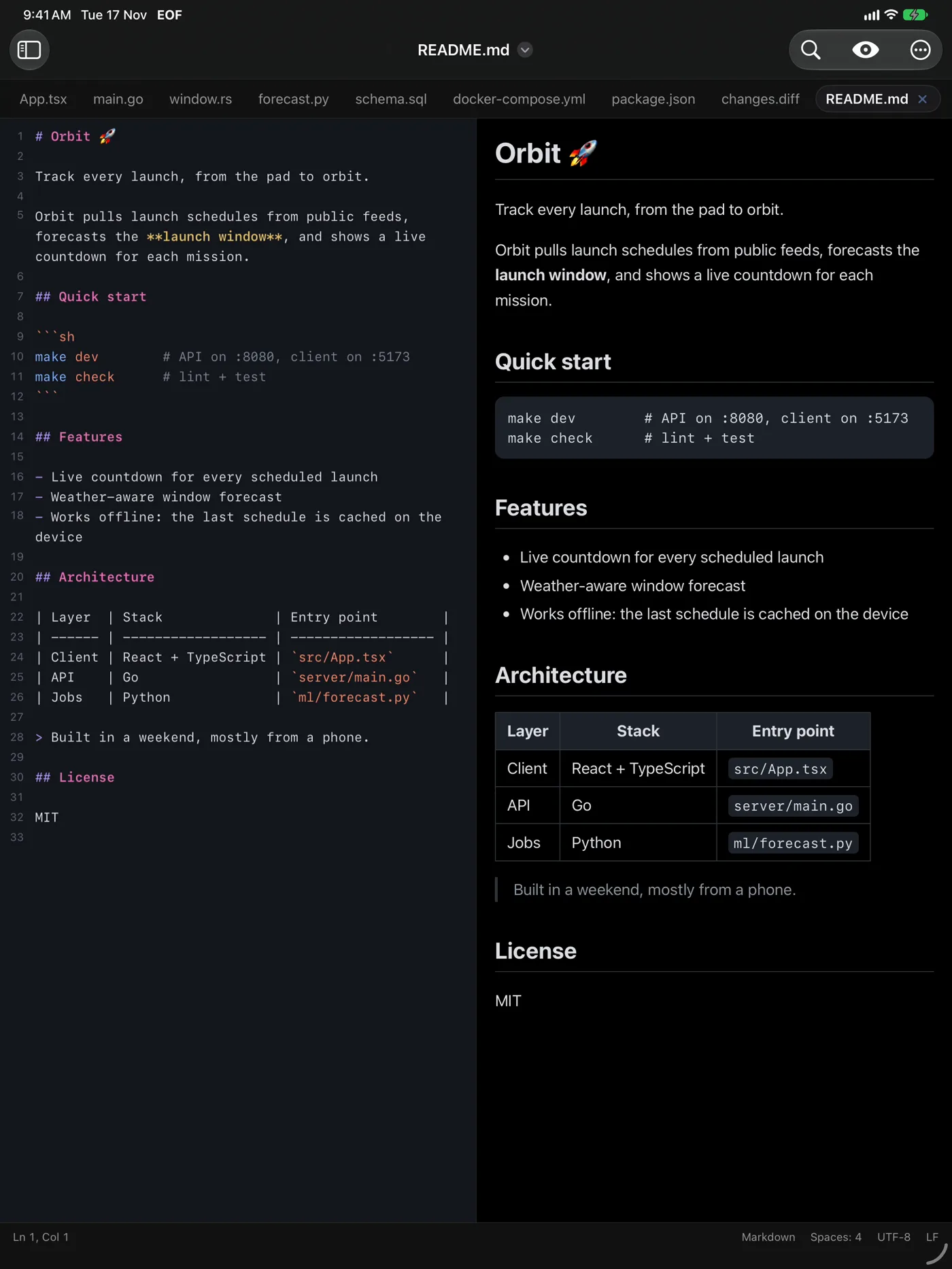
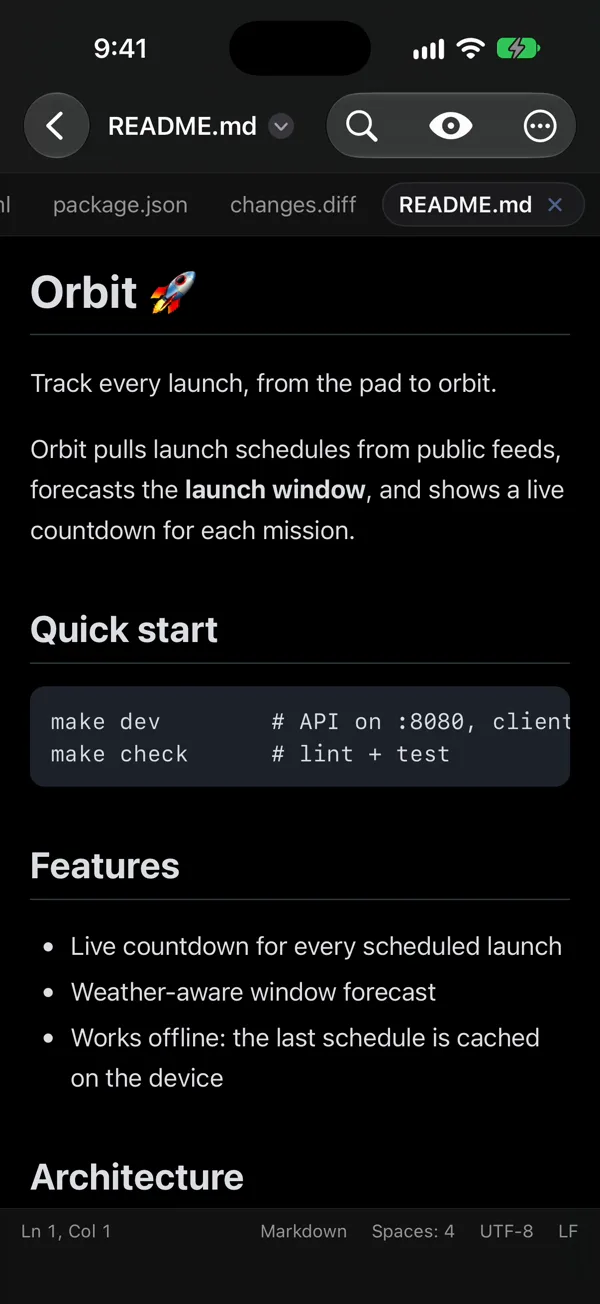
Rendered Markdown
Read rendered Markdown cleanly, or set preview beside the source on wide screens.
Docs, PDF and media
Open images, PDFs, audio, video and Office documents in Quick Look.
Binaries in hex
Every other binary file opens directly as raw bytes in hex view.